

Getting traffic to your website is a good sign. It means people are finding your pages through search engines, social media, or referrals.
But traffic alone does not guarantee results. Many businesses discover that even with steady visitors, their website still produces few inquiries or customers.
If your website gets traffic but no customers, the issue usually comes down to usability, messaging, trust, or conversion paths.
This guide explains the most common reasons visitors fail to convert and what you can check on your own website to improve the results.
Key takeaways
- Traffic alone does not generate customers. Visitors must clearly understand your offer and the next step to take.
- Poor user experience, confusing navigation, or weak messaging can stop visitors from converting.
- Missing calls to action often prevent interested visitors from contacting the business.
- Trust signals such as testimonials and case studies influence whether visitors feel comfortable reaching out.
- Small improvements in usability, messaging, and credibility can significantly increase website inquiries.
Poor website design and user experience
Visitors often decide within seconds whether they will stay on a website or leave. If the design feels confusing or difficult to use, many will exit before exploring further.
This is one of the most common reasons a website gets traffic but fails to generate customers. People arrive, but the experience does not guide them toward the information they need.
Your website should help visitors quickly understand what you offer and how they can move forward.

Visitors leave when there is no clear path forward
Most visitors will not spend time figuring out your website. If they land on a page and cannot see where to go next, they leave. They do not come back.
The navigation problem that kills conversions is rarely a broken menu. It is a website where every page feels like a dead end. Visitors finish reading and have no obvious next step. No link to a service page. No CTA at the bottom. No reason to stay.
Ask yourself this: if someone lands on your most-read blog post right now, what happens next? If the answer is nothing, that post is generating traffic and zero leads. A good website turns every page into a stepping stone toward contact. If yours does not do that, navigation is where your conversions are leaking.
If you want to review your own website structure, this web design checklist can help you quickly identify missing elements.
Your website’s appearance is making a decision before you do
Visitors are not consciously critiquing your fonts or color choices. But they are forming a judgment about your business the moment the page loads.
An outdated or inconsistent website signals risk. Before a visitor reads your headline or scans your services, they have already decided whether this looks like a business worth trusting. That decision takes about three seconds and is rarely reversed.
This is why you can have steady traffic and almost no inquiries. The visitors are arriving. They are just not convinced enough to take the next step.
If you want to know exactly which design decisions cause this, the post on 10 web design mistakes covers each one. For now, the key question is simple: does your website look like a business your ideal customer would trust with their money?
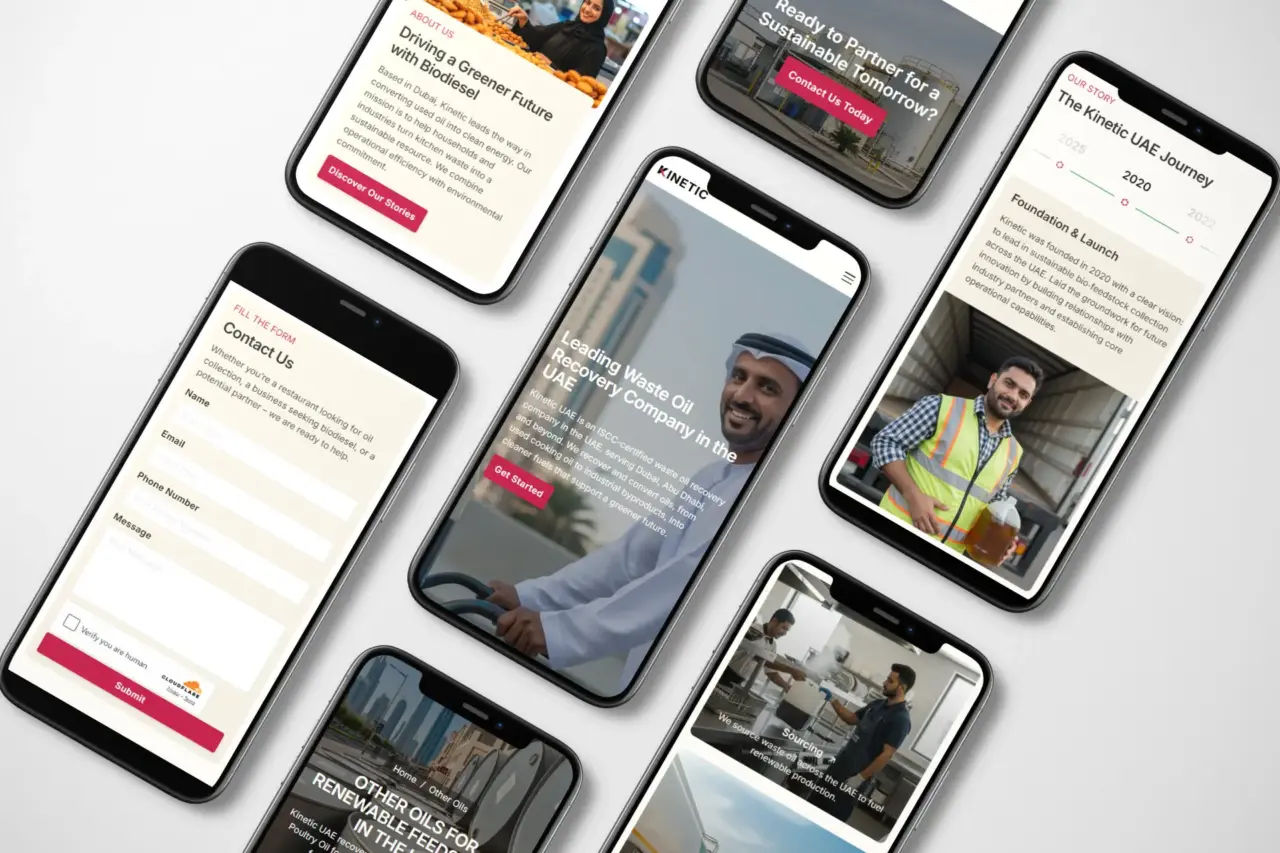
Mobile visitors are converting less than you think
Here is something worth checking today. Open Google Analytics, look at your conversion rate, and split it by device. Compare mobile to desktop.
For most websites with unresolved mobile issues, the gap is significant. Desktop might convert at 3 or 4 percent. Mobile sits below 1 percent. The overall traffic looks fine. The problem only appears when you break it down.
Mobile visitors are not a different type of customer. They are the same people on a smaller screen with less patience for friction. A form that is easy on desktop becomes a reason to abandon on a phone. A CTA that is clearly visible on a wide screen disappears below the fold on mobile.
Before assuming your copy needs work or your ads need better targeting, check your mobile experience directly on your phone. Walk through the full path from landing page to contact form. If anything creates friction, fix that first.
Disconnecting from your audience: SEO, content, and targeting
Sometimes the problem is not traffic volume but traffic quality.
A website may receive visitors from search engines, but those visitors may not be the right audience. In other cases, the message on the page does not simply explain why the service is relevant to them.
When visitors cannot quickly see how your website solves their problem, they leave and continue searching.
Ineffective search engine optimization (SEO) strategies
Search engine optimization determines which visitors arrive at your website.
If your pages are not aligned with the right search queries, you may attract visitors who are looking for something different from what you offer.
Some common SEO issues include:
- Targeting broad or irrelevant keywords
- Missing keyword targeting on service pages
- Weak page titles and meta descriptions
- Slow page speed
- Poor internal linking between pages
Search engines aim to show pages that match the user’s intent. When your content answers specific questions and clearly explains your service, it becomes easier for search engines to connect your pages with the right audience.
Not targeting the right audience
Many websites try to appeal to everyone. Unfortunately, that approach often weakens the message.
Visitors want to know quickly whether a website understands their needs. If the content feels generic, they may assume the service is not meant for them.
An easy-to-understand strategy is to define your ideal customer and shape your content around that audience.
For example, a website might focus on:
- Small business owners who need a website redesign
- Companies struggling with website conversions
- Startups launching their first website
When your messaging speaks directly to a specific audience, visitors are more likely to stay and explore your services.
Inadequate content and messaging
Content should help visitors understand what you offer and why it matters.
Many websites spend too much time talking about the company instead of explaining how they help customers solve a problem.
Effective website messaging usually answers three questions quickly:
- What you offer
- Who it is for
- Why it matters
I saw this firsthand in one of my recent projects. After rebuilding a client’s website and clarifying the copywriting, the client told me they had already received six new inquiries.
Clear messaging helps visitors understand the value of your service and increases the chances that they contact your business.
Why website visitors don’t become customers
If your website receives traffic but few inquiries, one of these issues is often responsible:
- Visitors do not immediately understand your offer.
- The audience arriving from search is not your ideal customer.
- The page does not clearly show the next step visitors should take.
- Trust signals such as testimonials or case studies are missing.
- The page design creates friction before visitors reach the contact point.
Addressing these issues often improves conversions without increasing traffic.
The bottlenecks in your sales funnel: calls to action and conversion
Even when visitors understand your service, they may still leave without contacting you.
This often happens when the website does not guide them toward the next step. Interest exists, but the path to action is not obvious.
Many websites receive traffic but fail to generate inquiries because the conversion path is weak or difficult to follow.
Lack of clear call to action on your website
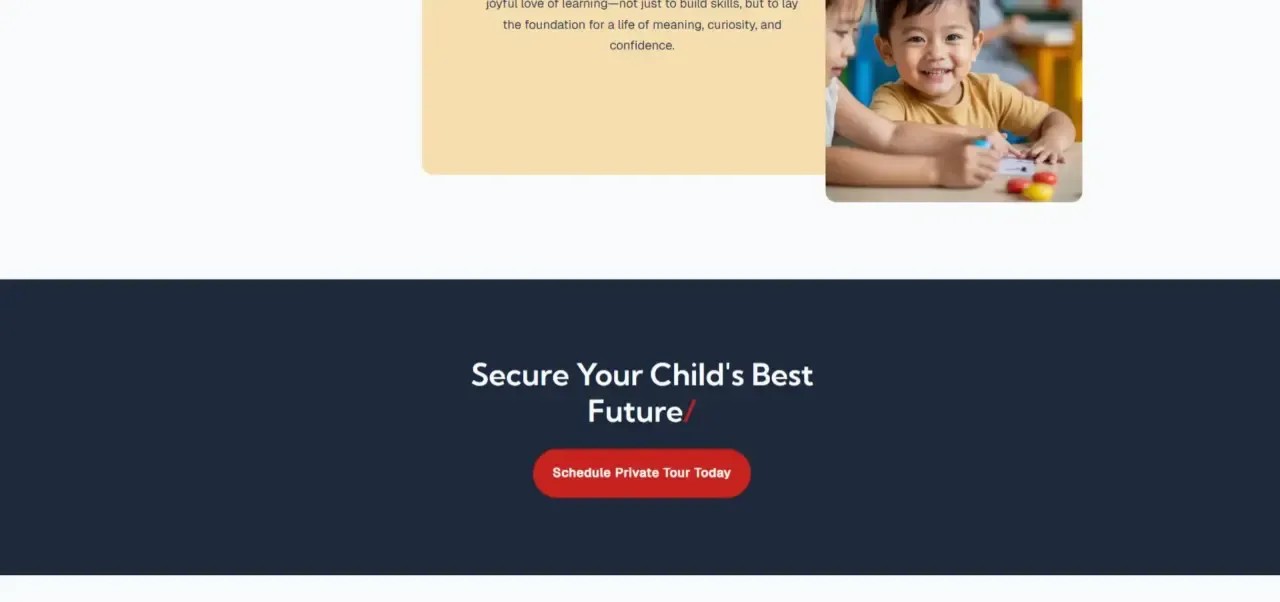
A call to action tells visitors what they should do next.
Without a clear call to action, visitors may finish reading a page but feel unsure about how to proceed.
Common calls to action include:
- Contact us
- Request a quote
- Book a consultation
- View services
- Download a guide
These prompts help move visitors from reading to taking action.
Calls to action should also be visible throughout the page. Many websites only place them at the bottom, where some visitors never reach.
Adding well-defined calls to action in key sections of a page can significantly improve conversions.
Weak conversion paths
Sometimes the call to action exists, but the process that follows creates friction.
For example, a visitor may click a contact button and encounter a long form asking for unnecessary details. In other cases, the contact page may be difficult to find.
A good conversion path removes these obstacles and keeps the process simple.
Small improvements can make a noticeable difference:
- Shorten contact forms
- Place contact buttons in visible locations
- Repeat calls to action on long pages
- Make the contact page easy to access
When the path to contact is simple, more visitors are likely to reach out.
Neglecting conversion rate optimization techniques
Conversion rate optimization focuses on improving how many visitors take action on your website.
Instead of only increasing traffic, CRO looks at how visitors behave once they arrive on a page.
Businesses often analyze:
- Where visitors stop scrolling
- Which elements they click
- Which pages lead to contact or inquiries
Tools such as Google Analytics and heatmap software can help reveal where visitors drop off.
Even small adjustments can improve results. Changing a headline, simplifying a form, or moving a call to action higher on the page can increase the number of inquiries a website receives.
Building trust with speed, credibility, and online presence
Even when visitors understand your service and navigate your website easily, they may still hesitate to contact you.
Trust plays a major role in online decisions. Visitors often look for signals that show a business is reliable before they submit a form or send an inquiry.
If those signals are missing, potential customers may leave and continue comparing other options.
A slow website tells visitors you are not worth waiting for
Speed is a trust signal.
When a page takes more than three seconds to load, a portion of your visitors are already gone. Not because they decided against your service. Because they never saw it. That lost traffic does not show up in your heatmaps or your form analytics. It just disappears.
The visitors who do wait through a slow load arrive with reduced confidence. A laggy website feels like a struggling business. Even if your copy is strong and your offer is clear, a slow loading experience has already introduced doubt.
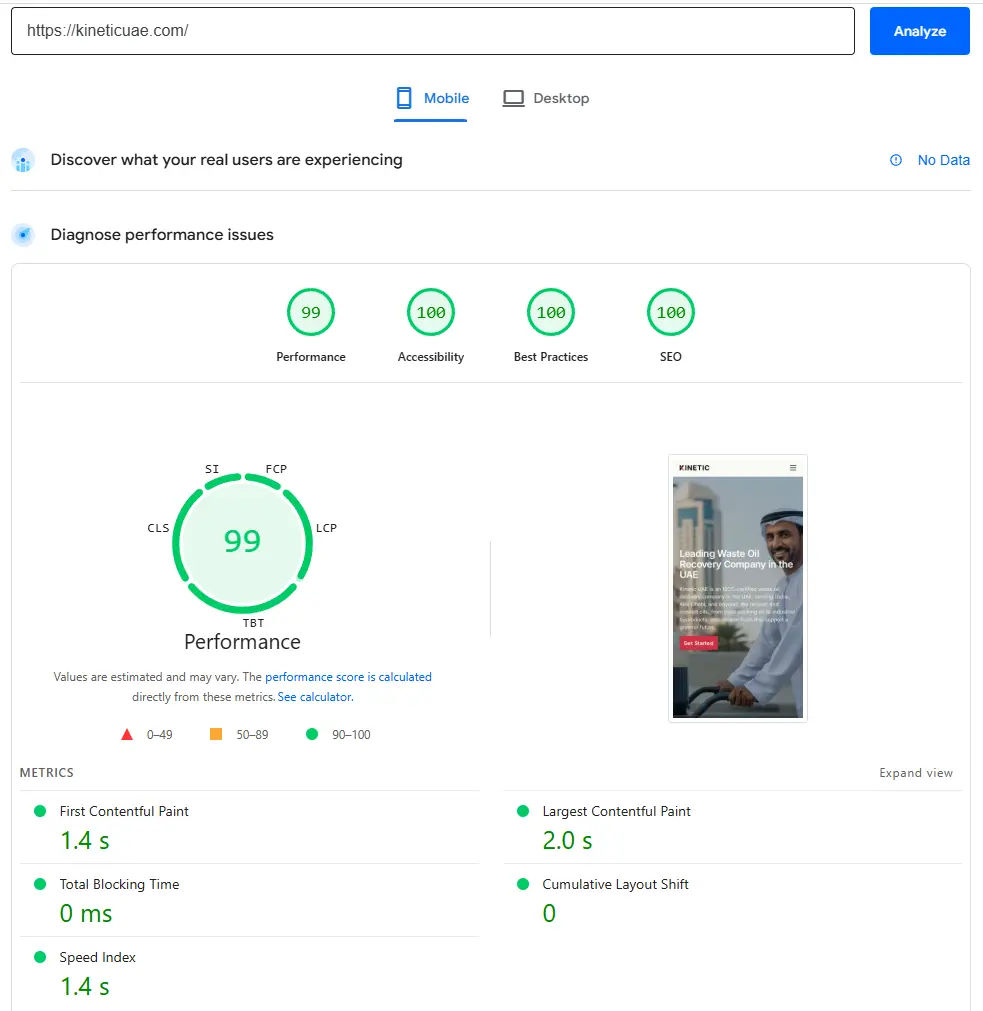
If you have steady traffic but low conversions, run your site through Google PageSpeed Insights before changing anything else. A speed problem at the load stage means visitors are not even reaching your content.
Limited online presence and visibility
Visitors often research a business before contacting it. Many people check a company’s Google Business Profile, reviews, or social media pages before deciding whether to reach out.
They may also look at other sources such as:
- Google Business Profile
- Social media pages
- Online reviews
- Mentions of the business on other websites
If your business has little presence outside its website, visitors may feel uncertain about its credibility.
Maintaining active profiles and consistent business information across platforms helps reinforce trust and supports your website’s authority.
Trust signals only work if they answer the right question
Most businesses know they need testimonials. The problem is not that they are missing. It is that they are placed where they do no work.
A testimonial at the bottom of a long page, after most visitors have already left, converts no one. A generic quote with no name and no result does more damage than good.
The visitor’s question is specific: have you done this for someone like me, and did it work? Every trust signal on your website should answer that as directly as possible.
That means:
- Testimonials placed next to the service they relate to, not isolated on a separate page
- Results that are specific: a number, a timeframe, an outcome
- Client logos your target audience will recognize as relevant
- Case studies that describe a problem close to the one your visitor is currently facing
If your trust signals are present but conversions are still low, the issue is usually placement and specificity. Not quantity.
Turning website traffic into real customers
Getting traffic to your website is only the first step. The real goal is turning those visitors into inquiries, leads, or customers.
When a website receives traffic but fails to generate results, the cause is often a combination of small issues. Confusing navigation, unclear messaging, weak trust signals, or missing calls to action can all prevent visitors from taking the next step.
The good news is that many of these problems can be identified and improved once you review your website from a visitor’s perspective.
Start by checking whether your website clearly explains what you offer, who it is for, and how visitors can contact you. Improving usability, strengthening your messaging, and adding trust signals can make a noticeable difference in conversion results.
Taking the time to evaluate these areas can help turn website traffic into real business opportunities.
Frequently asked questions
A website may receive traffic but still fail to generate customers if visitors cannot clearly understand the offer, trust the business, or find the next step to contact you. Problems such as poor user experience, weak messaging, and missing calls to action often prevent conversions.
Improving conversions usually starts with simplifying the user experience. Clear messaging, visible calls to action, faster loading speed, and strong credibility signals such as testimonials can help visitors feel confident contacting your business.
The most common causes are a navigation with no clear path forward, a mobile experience that creates friction, slow page load times that push visitors away before they see your content, and trust signals that are either missing or placed where visitors never reach them.
Yes. Slow websites often cause visitors to leave before interacting with the page. Faster loading pages improve user experience and increase the chances that visitors continue exploring your services.
Reviewing website performance every few months is a good practice. Monitoring visitor behavior, traffic sources, and conversion paths can help identify issues early and ensure the website continues supporting business goals.